Load & Worlds
Drag in a photo, a photo sequence or a video, then browse 50 worlds — presets that swap the physics, geometry and colour in one click.
MOD·07 / Visual
An audio-reactive visual synth. Drop in an image or a video and a GPU particle engine deforms it with your sound — it breathes, electrifies, explodes on the kick and re-forms. Runs as a plugin and a standalone app that hears your whole Mac.
SUPERNOVA turns any image or video into a living cloud of 262,144 GPU particles that move, glow and burst with the audio. The differentiator: it ships as a VST3 + AU plugin inside your DAW and as a standalone app that captures your Mac's system audio with zero drivers — point it at Spotify, YouTube, Serato or Ableton and it just reacts. No BlackHole, no routing. And the audio itself is bit-exact pass-through: SUPERNOVA never colours your sound.
Drag in a photo, a photo sequence or a video, then browse 50 worlds — presets that swap the physics, geometry and colour in one click.
The master life fader. One knob takes the field from a calm shimmer to a full storm — how hard the whole system reacts.
Every control lives in one of four groups — Movement (flow, chaos, gravity), Matter (size, trails, plexus, glyphs), Camera (3D depth, rotate, orbit) and Color.
17 curated look ramps baked in OKLab, plus a real 3D cutout of your subject you can rotate — order-independent additive, no z-sort.
MIDI notes fire events — a note explodes the field or shoots a directional ray. Play the visuals from your keyboard, in time.
Four LFOs breathe any of 12 targets — hue, size, chaos, orbit, trails. 21 beat divisions, each with its triplet and dotted, or a free-running Hz mode that keeps moving with the transport stopped. Per LFO: bi/unipolar, phase and retrigger.
Send the frame to a window, fullscreen on any display, or straight into OBS / Resolume via Syphon (macOS).
Record your visuals to MP4 / H.264 with the audio muxed in sync — four aspect presets and any length from 1 to 600 s. What drives the clip is the last 30 s you played: a longer export repeats that window, picture and sound together, crossfaded over 10 ms so the loop point does not tick.
SUPERNOVA is a GPU synthesizer for light — HDR compositing, filmic tonemapping and per-preset physics — wrapped around an audio path that stays untouched.
A quarter-million particles sample your image and move under real forces — advected by an analysis of the audio (onsets, bands, RMS), every frame, on the GPU.
The field is composited in linear additive HDR and resolved through an ACES filmic tonemap — highlights bloom and roll off like film, never a flat clipped white.
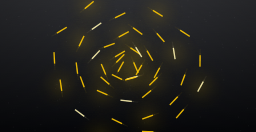
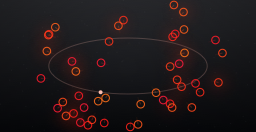
Each of the 50 worlds is a different physical system — flow fields, vortices, gravity, radial blasts — coupled to geometry and a colour look. Presets that change how it moves.
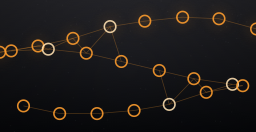
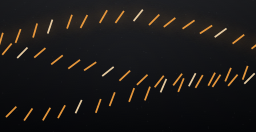
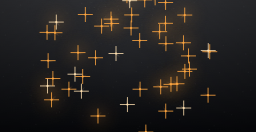
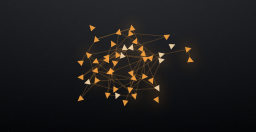
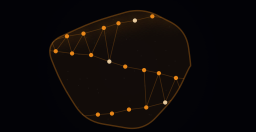
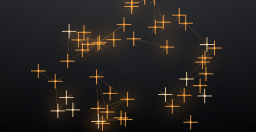
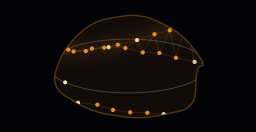
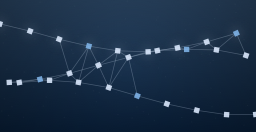
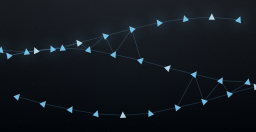
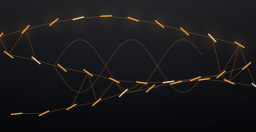
A 3D cutout of the subject (order-independent additive, no z-sort) you can rotate, SDF glyphs, velocity trails, and GPU nearest-neighbour plexus links.
The standalone app captures your Mac's own output — zero drivers, zero routing, the BlackHole dance gone. On macOS 14.2+ it uses Core Audio taps, so the permission macOS asks for is the small, exact one: System Audio Recording — never the screen, and nothing is recorded. (macOS 13–14.1 fall back to ScreenCaptureKit and its screen permission.)
As a plugin the audio is a read-only tap — out equals in, sample for sample. SUPERNOVA analyses your sound to drive the visuals and never touches the signal.
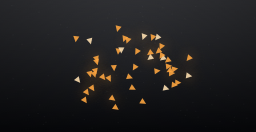
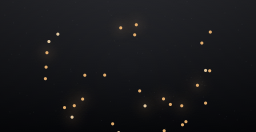
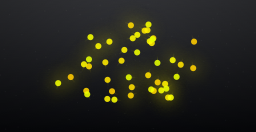
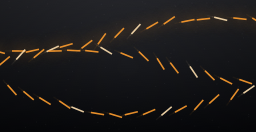
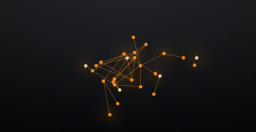
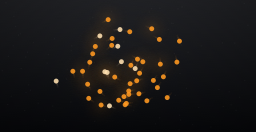
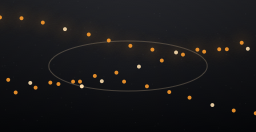
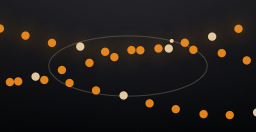
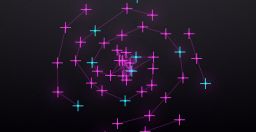
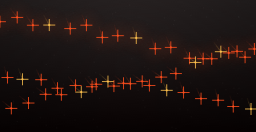
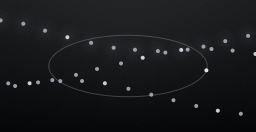
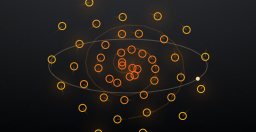
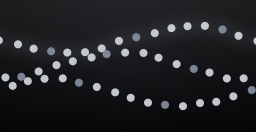
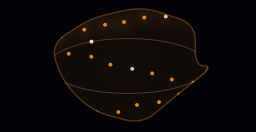
A mini taste of the idea, in your browser: the OVNI mark becomes a particle field beating on its own kick — it explodes on the hit and always re-forms. Try real engine techniques: Contour (the image traces itself), Plexus (living constellations), Trails (light-painting), Kaleido (mirror mandala) and Satellite (your image spun in 3D). Ride Intensity — the app's master life fader — and the image ↔ figure morph. In the app you drop in your own image — the real engine is this ×80, on the GPU.
Mini-sim: ~3k canvas particles, fake beat. The app runs 262,144 on Metal — 50 worlds, plexus, trails, glyphs, 3D and kaleido — with your image and your sound.
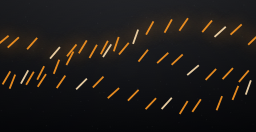
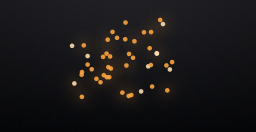
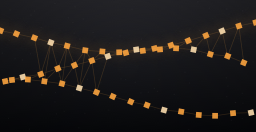
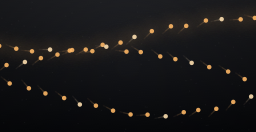
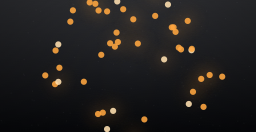
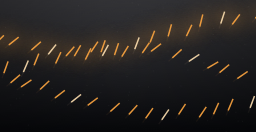
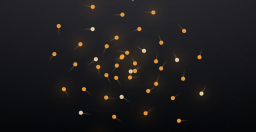
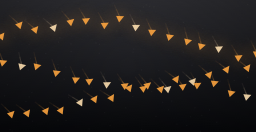
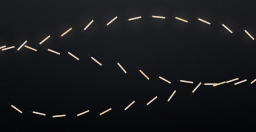
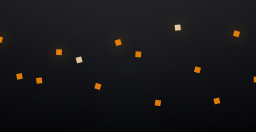
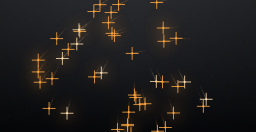
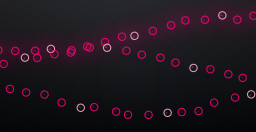
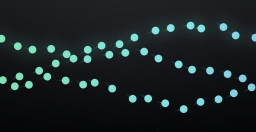
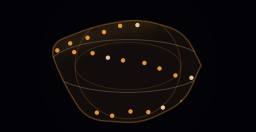
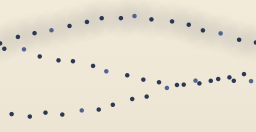
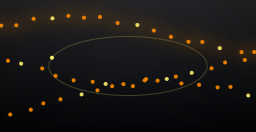
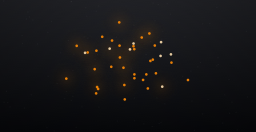
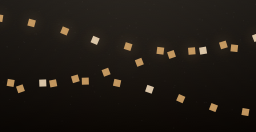
Every world is a preset — its own physics, geometry and colour ramp. One click swaps the entire system. All 50, straight from the engine.


SUPERNOVA, ready to go — the Mac installer (VST3 + AU plug-ins and the standalone app, universal, macOS 11+) drops everything into place: double-click, done. macOS only for now.
More modules coming soon — see what's next →
5031 downloads and counting
ORBIT, SUPERNOVA and TELESCOPE are free, with no deadline. New products released later may be paid.
Free · VST3 · AU · Standalone · macOS 11+ universal
The first time you pick System Audio, macOS asks for permission to listen to your Mac’s audio: turn SUPERNOVA on in System Settings › Privacy & Security › System Audio Recording and hit REOPEN. Nothing is recorded. How to install, step by step →
New versions, new modules, and the odd studio trick. Straight to your inbox — nothing else.
Double opt-in — confirm in your inbox; if it is not there, look in Spam / Junk. No spam, unsubscribe anytime.
Subscribe and you get the Launch Preset Pack free when it drops.